

Industry Knowledge Hub
Augmented Reality & Spatial Computing Insights
Expert articles, technical updates, and enterprise deployment insights from ThirdEye Gen.
AI + AR Software
Enterprise Workflows & AI Intelligence
Connecting experts, digital assets, and field technicians with smart telepresence.
Hardware Innovation
Standalone Hands-Free Solutions
Discover how standalone Android smart glasses improve productivity across industrial environments.
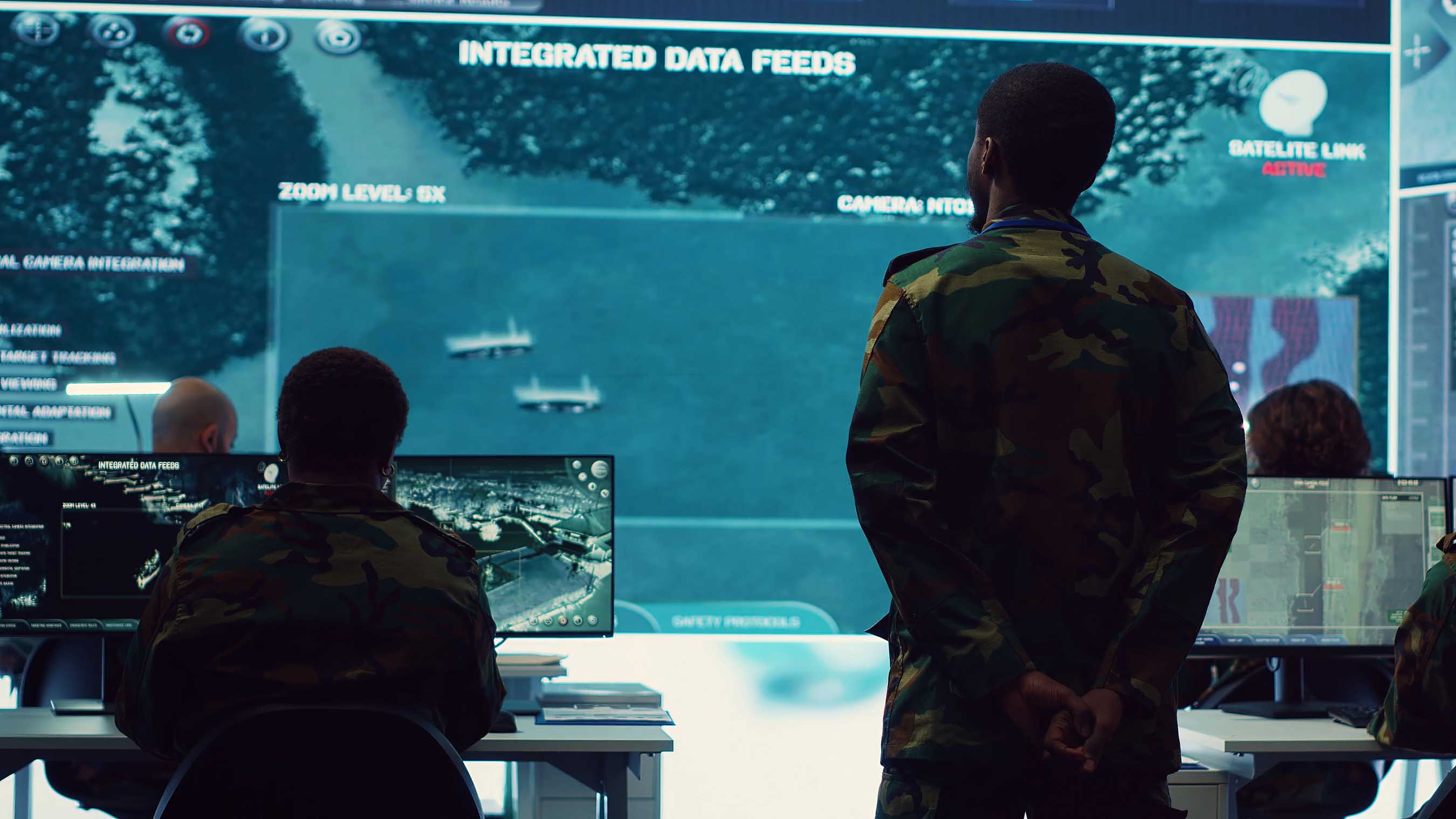
Command Center
Real-Time Field Intelligence
Live video feeds, telemetry, and central monitoring for multi-operator teams.
Military Grade
Tactical & Secure Extended Reality
Encrypted, air-gapped spatial computing hardware for mission-critical operations.
How to Use Industrial Field Service AR?
Table of Contents
- Define the Industrial Field Service AR Use Case
- Prepare Hardware, Software, Data, and Network Requirements
- Configure AR Workflows for Inspection, Repair, and Training
- Deploy AR Guidance During On-Site Service Operations
- Measure Results and Improve the AR Service Program
- FAQS
- Conclusion
- Related Posts
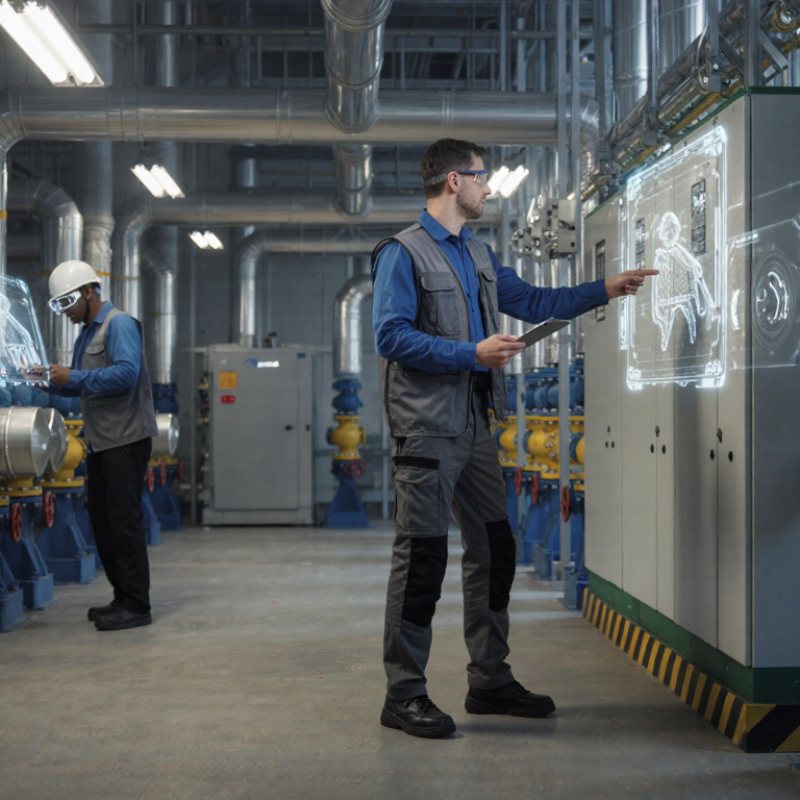
Industrial Field Service AR brings digital instructions into a technician’s real workspace. Through a headset, tablet, or phone, a worker can view equipment labels, repair steps, and remote expert guidance beside the machine itself. A pump room becomes easier to navigate when an overlay identifies the correct valve, while a live video call can help an experienced specialist guide a newer technician through a repair. The value is practical: less time searching for manuals and clearer communication at the job site. Results still depend on good data, reliable connectivity, and thoughtful training.
Jim Heppelmann, former PTC CEO and a longtime augmented reality advocate, has described AR as “the new interface between humans and machines.” That idea is useful, but it should not become a promise that technology solves every service problem. An overlay can be outdated. A headset can distract. Not every task needs AR. Teams should begin with a specific workflow, such as equipment inspection or guided maintenance, then test whether the tool improves accuracy, response time, or knowledge sharing. Measure the change. Ask technicians what feels awkward, too.
This guide explains how to choose a use case, prepare service content, select suitable devices, and support technicians in the field. It also considers deployment, integration, and performance measurement. The imperfect part matters: a pilot may expose missing instructions or inconsistent asset records before it shows clear gains. That is not failure. It is useful evidence for improving Industrial Field Service AR before wider rollout.
Define the Industrial Field Service AR Use Case
Industrial field service AR is most useful when tied to one costly, repeatable task—not introduced as a general-purpose visual layer. Define the job, asset, and failure point. For example, a technician facing a pump with an unfamiliar valve assembly could see anchored labels, a torque sequence, and a live remote expert’s annotations. The use case should specify what the technician must do, what information is missing, and what a safe, completed repair looks like.
Choose work where access to expertise or accurate instructions is a real bottleneck. Deloitte and MAPI’s 2019 smart factory study found that 86% of surveyed manufacturers expected smart factory initiatives to be a primary source of competitiveness within five years. That finding supports investment in connected operations, but it does not prove AR will improve every service task. The World Economic Forum’s Future of Jobs Report 2023 also estimated that 44% of workers’ skills would be disrupted by 2027, reinforcing the need for practical, in-work guidance.
Set a baseline before a pilot: repair time, repeat visits, first-time fix rate, and safety or quality deviations. Then test AR on a small group of assets with stable procedures and reliable network coverage. A clear overlay can help; a cluttered one can slow the repair. That part is easy to underestimate. Record technician feedback, including moments when instructions feel wrong or arrive too late. If results improve, expand carefully; if not, review the workflow before blaming the hardware.
How to Use Industrial Field Service AR? — Define the Use Case
Example use case: guide technicians through equipment inspection and repair with contextual instructions and remote expert support.
Illustrative task-time values, not an industry benchmark. Compare workflows on the same tasks to assess whether AR is useful for your service team.
Prepare Hardware, Software, Data, and Network Requirements
How to Use Industrial Field Service AR?
Prepare Hardware, Software, Data, and Network Requirements
Industrial field service AR works best when setup is treated as operational readiness, not simply a headset purchase. Choose devices that technicians can wear comfortably with gloves and protective equipment. Check battery life against a full shift, and test visibility in bright outdoor light and dim equipment rooms. A device that works at a desk may fail beside a vibrating pump. Test it there.
Tips: Keep spare batteries charged. Clean camera lenses before each shift. Ask technicians to try the equipment during a realistic task, not just a demonstration.
Software should support clear work instructions, remote assistance, and reliable access controls. Prepare accurate equipment records, current diagrams, and labeled parts images before deployment. Outdated data can make an AR overlay look precise while pointing to the wrong component. That is easy to overlook. Confirm who can update instructions, and set a review schedule. Network planning matters too: measure signal strength at actual job sites, including basements and remote facilities. Identify what the application can do offline, and test how updates sync after connectivity returns. A checklist helps, but it will not catch every site-specific obstacle. Expect to revise it.
Configure AR Workflows for Inspection, Repair, and Training
How to Use Industrial Field Service AR?
Configure AR Workflows for Inspection, Repair, and Training
Industrial field service AR should follow the job, not the novelty of the headset. For inspection, show technicians the correct valve sequence, inspection points, and acceptable readings beside the equipment. Let them record a photo, measurement, and fault code at each step. Keep instructions readable in poor light. Too many overlays can hide the very leak someone needs to see.
For repair, link each confirmed fault to a short procedure, parts list, and escalation path. A remote expert can mark a connector or point out a worn seal, while the technician keeps both hands available. Build in a clear fallback when connectivity drops. Field conditions are messy; a workflow that assumes perfect Wi-Fi will fail at the worst moment.
The World Economic Forum’s Future of Jobs Report 2023 estimated that 44% of workers’ skills would be disrupted within five years, underscoring the need for repeatable, accessible training.
Training should use the same steps technicians encounter on real equipment, then capture completion and errors for review.
PwC’s 2020 Seeing Is Believing report found VR learners completed training up to four times faster than classroom learners.
That finding concerns VR, not AR specifically, so treat it as a useful signal—not proof that AR will deliver identical results. Start with one recurring task. Measure rework, completion time, and missed checks. Then revise the workflow; the first version is rarely right.
Deploy AR Guidance During On-Site Service Operations
On-site AR works best when it supports a technician’s next action, not when it covers the whole jobsite with graphics. At a pump station, a tablet can anchor a parts diagram to a valve, show the isolation sequence, and display torque values beside the fasteners. Keep labels large enough to read through glare and gloves. Keep it simple.
Before deployment, choose repeatable tasks with clear steps, such as filter changes or sensor replacement. Convert approved procedures into short visual prompts, then test them with experienced technicians in noisy, cramped conditions. The 2019 Seeing is Believing report estimated that augmented and virtual reality could add $1.5 trillion to global GDP by 2030. That is a broad economic projection, not a promise of service-team savings. Measure your own results: first-time fix rate, repeat visits, task duration, and errors.
Remote experts can annotate a live camera view when a fault is unfamiliar. The technician still needs to verify the machine state and follow site safety procedures; an overlay cannot sense every hazard. Store guidance for offline use, since basements and remote facilities often lose signal. Review usage logs and technician feedback after each rollout. Some instructions will be wrong or awkward. Fix them. Cite each procedure to its revision, and remove outdated guidance before it reaches another device.
Measure Results and Improve the AR Service Program
Industrial field service AR should be measured like an operational tool, not a visual demonstration. Track mean time to repair, first-time fix rate, travel hours, repeat visits, and technician confidence. Compare results with a pre-launch baseline. A shorter repair is not always better. Safety, accuracy, and customer downtime matter too. Use AR to overlay inspection steps, display component history, and guide remote collaboration. Capture timestamps for each stage. This reveals where the service process actually slows.
Build a small dashboard for weekly reviews. Segment results by asset type, technician experience, and fault category. A 20-minute task reduced to 12 minutes matters only when quality remains stable. Check error rates and post-service callbacks. Ask technicians what felt unclear. Their comments often expose poor instructions or difficult camera angles. In one pilot, adoption rose, but some workers skipped confirmation screens under pressure. That weakness deserves correction, not a polished success story. Update the workflow, retest it, and record the change.
Tips: Set three measurable goals before deployment. Use baseline data from four weeks. Review safety incidents, rework, and customer feedback monthly. Keep one control group when practical. Train technicians with real equipment, not staged images. Protect service records and limit access to authorized staff. If a metric improves while technicians report confusion, pause and investigate. Reliable programs improve through evidence, honest feedback, and repeated field testing.
How to Use Industrial Field Service AR? - Measure Results and Improve the AR Service Program
| Measurement Dimension | Key Performance Indicator | Baseline | 90-Day Result | Change | Recommended Action |
|---|---|---|---|---|---|
| Service Efficiency | Average time to resolve a remote-assistance case | 96 min | 72 min | −25.0% | Expand AR guidance for the three most frequent failure modes. |
| First-Time Fix | Cases resolved without a repeat visit | 68.0% | 79.0% | +11.0 pp | Review unsuccessful sessions and add missing inspection steps. |
| Travel Reduction | Cases solved remotely instead of requiring an on-site visit | 22.0% | 35.0% | +13.0 pp | Prioritize AR triage for equipment faults that can be visually verified. |
| Technician Productivity | Average jobs completed per technician per shift | 5.1 | 5.8 | +13.7% | Use session data to identify avoidable pauses and repeated instructions. |
| Training Effectiveness | Time for a newly certified technician to complete standard tasks | 14.5 days | 10.8 days | −25.5% | Convert high-performing AR sessions into reusable learning modules. |
| Service Quality | Documentation completeness for completed work orders | 74.0% | 91.0% | +17.0 pp | Make required photos, measurements, and checklists part of the AR workflow. |
| User Adoption | Eligible service cases using AR assistance | 31.0% | 57.0% | +26.0 pp | Simplify session launch and provide role-based onboarding for technicians. |
| Customer Experience | Customer satisfaction after an AR-supported service event | 4.0 / 5 | 4.4 / 5 | +10.0% | Collect feedback immediately after each session and address recurring friction points. |
| Program Economics | Estimated service cost avoided per AR-supported case | $0 | $118 | +$118 | Compare avoided travel, labor, and repeat-visit costs with AR operating costs. |
FAQS
Display the correct valve sequence, inspection points, and acceptable readings beside the equipment. Keep overlays clear enough to spot a leak.
Capture a photo, measurement, and fault code at each step. These details help teams review what happened later.
Link each confirmed fault to a short procedure, parts list, and escalation path. A remote expert can point out a connector or worn seal.
Provide a clear fallback that lets technicians continue safely. Perfect Wi-Fi is a poor assumption in the field.
Use the same steps technicians encounter on real equipment. Record completed tasks and errors for later review.
Track repair time, first-time fixes, travel hours, repeat visits, and technician confidence. Compare them with a pre-launch baseline.
No. Check safety, accuracy, and customer downtime too. A quick job can still leave a problem behind.
Review timestamps, error rates, and callbacks. Ask technicians what felt unclear; a difficult camera angle can matter.
Use a small dashboard for weekly reviews, then examine safety incidents, rework, and customer feedback monthly. Keep revising.
Pause and investigate. One pilot found workers skipping confirmation screens under pressure. That is a real flaw, not a success to hide.
Conclusion
Industrial Field Service AR helps service teams improve on-site work by overlaying clear digital instructions onto real equipment. A successful program begins by defining a practical use case, such as guided inspection, troubleshooting, equipment repair, or technician training. Organizations should then prepare compatible hardware, reliable software, accurate service data, and a secure network capable of supporting field conditions. These elements create the foundation for useful and consistent augmented reality experiences.
Next, teams can configure AR workflows that lead technicians through inspections, repairs, and learning activities step by step. During on-site operations, AR guidance can display procedures, safety reminders, component details, and remote support options without interrupting the task. After deployment, performance should be measured through indicators such as service time, first-time fix rate, training progress, error reduction, and user satisfaction. Reviewing these results regularly allows the organization to improve its Industrial Field Service AR program, update content, and expand successful workflows to more service scenarios.

Blog Tags: