

Industry Knowledge Hub
Augmented Reality & Spatial Computing Insights
Expert articles, technical updates, and enterprise deployment insights from ThirdEye Gen.
AI + AR Software
Enterprise Workflows & AI Intelligence
Connecting experts, digital assets, and field technicians with smart telepresence.
Hardware Innovation
Standalone Hands-Free Solutions
Discover how standalone Android smart glasses improve productivity across industrial environments.
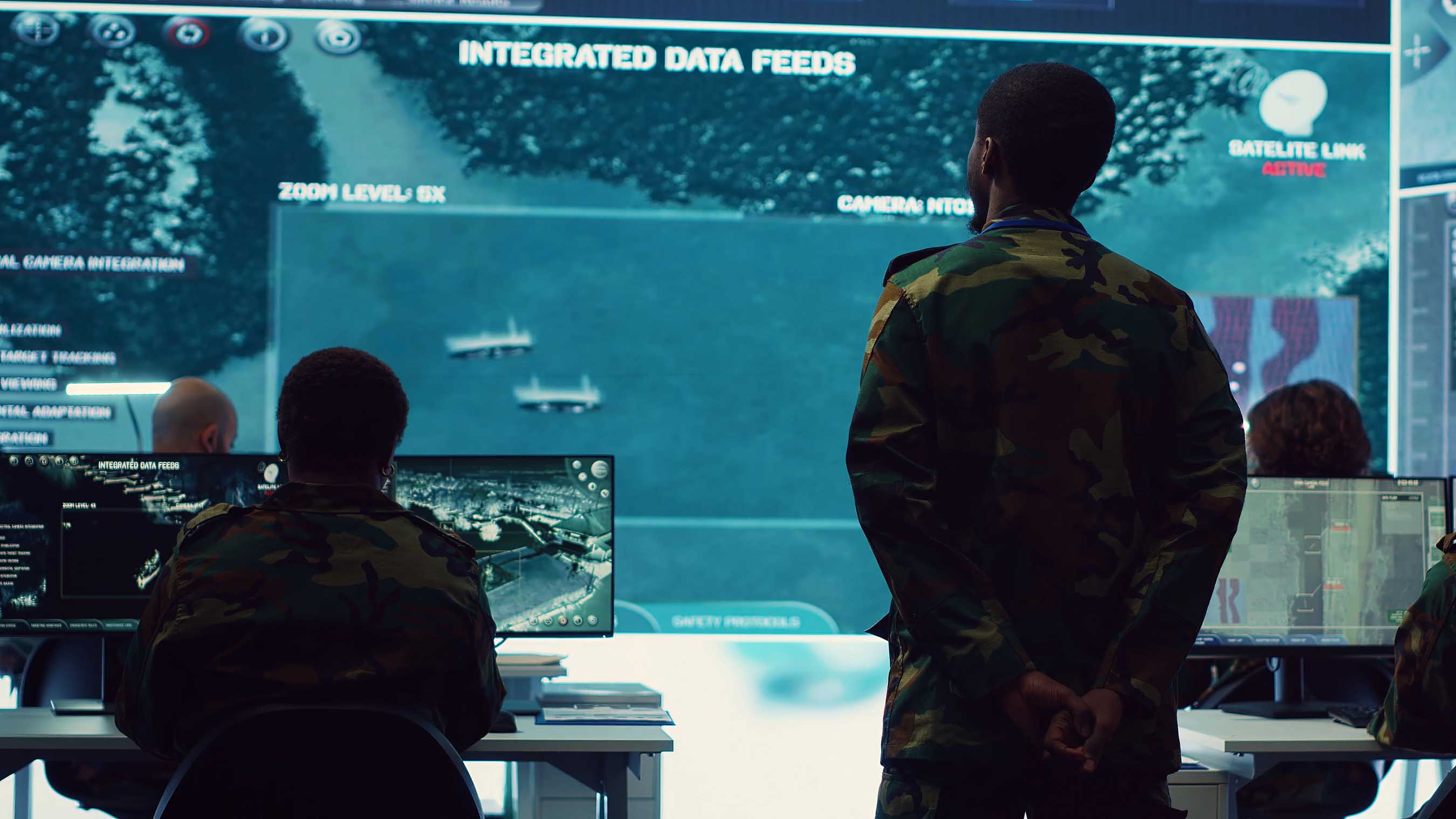
Command Center
Real-Time Field Intelligence
Live video feeds, telemetry, and central monitoring for multi-operator teams.
Military Grade
Tactical & Secure Extended Reality
Encrypted, air-gapped spatial computing hardware for mission-critical operations.
7 Tips for Buying ThirdEye X2 MR Glasses?
Table of Contents
- Understanding the ThirdEye X2 MR Glasses and Their Core Features
- Matching the X2’s Capabilities to Your Work and Usage Requirements
- Checking Compatibility, Connectivity, and Software Support
- Evaluating Comfort, Battery Life, Durability, and Display Quality
- Comparing Total Cost, Warranty Coverage, and Purchase Options
- FAQS
- Conclusion
- Related Posts
Buying the ThirdEye X2 MR Glasses deserves more than a quick comparison of prices. The right choice depends on your work, comfort needs, software environment, and expectations. Mixed reality can look impressive in a product video. Daily use may feel different.
These seven tips focus on practical buying decisions. They cover display clarity, field of view, tracking performance, battery life, fit, compatibility, and long-term support. You should check the latest specifications from ThirdEye and confirm details with an authorized seller. Independent reviews can reveal useful issues, such as nose pressure, limited app support, or awkward controls. Still, every review reflects one person’s experience.
Try the glasses if possible.
A short demonstration can expose problems that specifications hide. Test them with your intended applications, lighting conditions, and smartphone or computer. Consider how the headset feels after thirty minutes, not only after five. Also examine the warranty, return period, replacement parts, and software update policy. These details can affect the real cost.
No device is perfect. I would not treat impressive features as proof of suitability. A professional user may value remote assistance, while a casual buyer may prefer simple setup and comfort. The best decision comes from matching the product with a clear use case. Before spending money, compare current evidence and question assumptions. That approach can help you decide whether the ThirdEye X2 MR Glasses fit your needs or merely look appealing on paper.
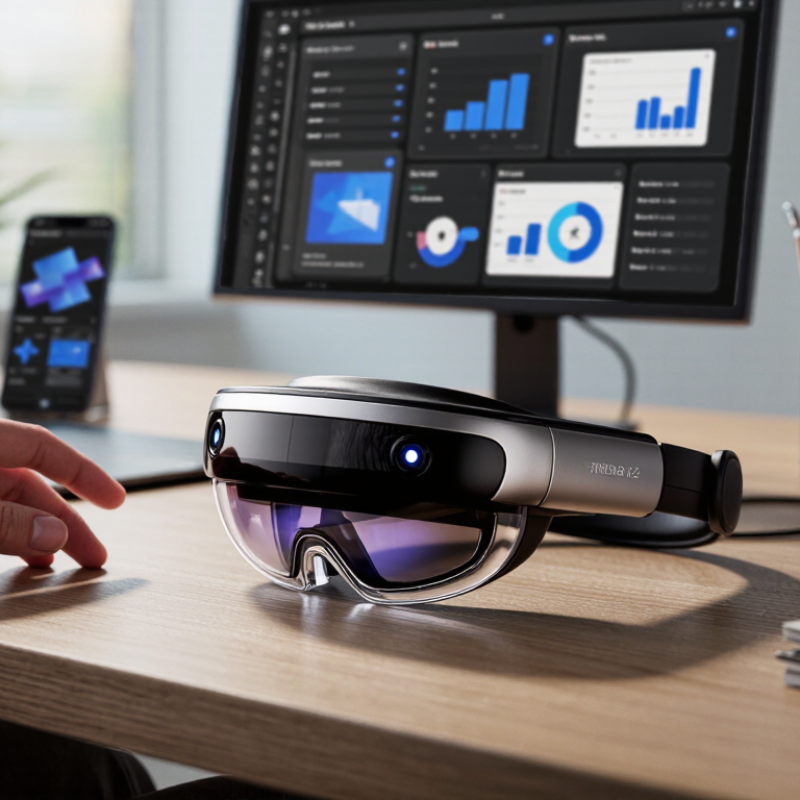
Understanding the ThirdEye X2 MR Glasses and Their Core Features
Understanding Mixed-Reality Glasses and Their Core Features
Mixed-reality glasses place digital information over the physical world. Their value depends on more than display sharpness. Field of view, brightness, weight, cameras, and tracking stability shape daily use. A narrow view can make instructions feel like a floating postage stamp. Bright displays matter outdoors, but they can drain batteries quickly.
Most professional models combine spatial mapping, depth sensing, voice control, and hand or controller tracking. These features support remote guidance, warehouse picking, technical training, and visual checklists. According to Grand View Research, the global augmented-reality market could grow at a 38.5% compound annual rate from 2024 to 2030. That forecast signals strong demand, not guaranteed comfort. IDC’s worldwide AR and VR headset research also shows that adoption remains sensitive to pricing, software availability, and practical workplace benefits.
Test the glasses for at least fifteen minutes. Notice pressure near the nose and ears. Check whether text stays stable while walking. Examine camera latency, microphone clarity, and battery performance during a realistic task. Compatibility deserves equal attention; some devices need a paired phone, enterprise software, or a reliable wireless connection. Independent testing is limited in this category, and advertised battery life often reflects controlled conditions. I would question impressive specifications without measured brightness, operating-time data, and a clear return policy. Fancy features can still feel unfinished.
Matching the X2’s Capabilities to Your Work and Usage Requirements
Buying mixed-reality glasses should begin with the job, not the specification sheet. McKinsey estimates that metaverse-related applications could create up to $5 trillion in value by 2030, but workplace value depends on practical fit. Match the glasses to your environment, workflow, and users. Define one task clearly. Remote guidance, warehouse picking, training, and field inspection need different capabilities.
Check the field of view before buying. Small overlays may disappear outdoors or beside moving equipment. Test readability at arm’s length. Examine weight, nose pressure, and balance after thirty minutes. Short demos hide discomfort. Review battery performance during a full shift, not a laboratory claim. Confirm whether the device supports your phone, computer, sensors, and existing software. Integration often matters more than visual effects.
Protect work information. Ask about encryption, account controls, data storage, and camera permissions. Gartner’s 2024 Digital Workplace Trends research emphasizes that employee experience and technology usability strongly influence adoption. Run a small pilot with real users. Measure task time, error rates, training effort, and eye fatigue. Do not trust one enthusiastic tester. A failed pilot is useful evidence. PwC’s Seeing Is Believing report projected that augmented and virtual reality could contribute $1.5 trillion to the global economy by 2030, yet that potential will not fix poor ergonomics, weak support, or a mismatch between the glasses and daily work.
Checking Compatibility, Connectivity, and Software Support
When evaluating MR glasses, compatibility deserves more than a USB-C check. Confirm that your phone, tablet, or laptop supports video output, not only charging. Check operating system versions, processor limits, and display protocols in the technical manual. A short cable can restrict movement. Measure connector clearance, too.
Test connectivity where you will use the glasses. Wi-Fi 6 may help, but network congestion can still cause lag. For wired use, verify cable bandwidth and adapter support. For wireless use, check Bluetooth pairing, casting standards, and controller latency. A loose adapter once caused flickering whenever I turned my head. It was frustrating.
Software support often determines long-term value. Look for current drivers, firmware updates, app permissions, and clear update instructions. Confirm that important features work with your operating system, not only with a demonstration device. Read release notes and support forums for recurring problems. Security patches matter. Ask how long updates are expected to continue. Be cautious with promises. Some compatibility lists are incomplete. If possible, download the companion app before buying and check its latest update date. Also review return terms, since fit, text clarity, and motion comfort may differ from specifications.
7 Tips for Buying ThirdEye X2 MR Glasses? - Checking Compatibility, Connectivity, and Software Support
| No. | Buying Check | What to Verify | Practical Requirement | Recommended Action |
|---|---|---|---|---|
| 1 | Host-device compatibility | Confirm the supported operating systems, processor architecture, USB requirements, and minimum software versions. | The phone, computer, or embedded host must meet every requirement listed in the current technical documentation. | Check the exact model and operating-system version before placing an order. |
| 2 | Display and optical fit | Review field of view, image brightness, focus range, interpupillary adjustment, and prescription-lens compatibility. | The optical configuration should suit the intended application and the user’s visual needs. | Request lens and fit specifications when the glasses will be used for extended periods. |
| 3 | Connectivity | Identify supported wired and wireless interfaces, including USB data behavior, Wi-Fi, Bluetooth, and any required adapters. | The connection method must provide sufficient bandwidth, power, and stability for the intended application. | Test the complete cable, adapter, and network setup rather than checking the glasses alone. |
| 4 | Tracking and sensors | Check whether the device provides head tracking, hand tracking, spatial mapping, cameras, inertial sensors, or external tracking support. | The available sensors must support the required accuracy, lighting conditions, and operating environment. | Ask for a demonstration in the actual workplace or room where the glasses will be used. |
| 5 | Software development support | Verify the available SDKs, APIs, sample projects, supported programming languages, documentation, and development tools. | The software stack should support the required application platform and deployment workflow. | Download the documentation and build a small proof of concept before committing to a large project. |
| 6 | Updates and lifecycle | Determine how firmware, drivers, SDKs, and operating-system compatibility updates are delivered. | There should be a documented update process and a support commitment suitable for the planned ownership period. | Confirm update frequency, version history, end-of-support terms, and rollback options. |
| 7 | Comfort, safety, and after-sales service | Review weight distribution, heat, battery arrangement, eye comfort, warranty coverage, replacement parts, and repair procedures. | The product should remain comfortable and supportable throughout the expected daily usage period. | Clarify warranty duration, return conditions, service locations, and the availability of essential accessories. |
Evaluating Comfort, Battery Life, Durability, and Display Quality
Comfort should be tested before you judge any mixed-reality glasses. Wear them for at least twenty minutes, not just a quick fitting. Check pressure around your nose, temples, and ears. The frame should stay stable while you walk or turn your head. A slightly loose fit can become distracting during long work sessions. I once underestimated cable placement, and it repeatedly brushed my cheek. Small annoyances matter.
Battery life deserves practical testing, not only advertised figures. Ask whether the stated runtime includes full brightness, wireless functions, and continuous use. A device lasting three hours in ideal conditions may perform differently outdoors. Check charging speed and whether the battery can be replaced or externally supported. Keep a small power bank nearby. That may be necessary.
Durability depends on more than a strong-looking frame. Inspect hinge movement, lens protection, port covers, and the manufacturer’s tested resistance ratings. Avoid assuming water resistance means complete protection. Display quality should remain clear without excessive glare or visible edge distortion. Compare text, maps, and moving objects in both bright and dim environments. Look for eye strain after several minutes. My own judgment can change after extended use, so I would record observations instead of trusting first impressions. A careful trial reveals compromises that specifications often hide.
7 Tips for Buying MR Glasses: Key Evaluation Priorities
A practical 1–5 buying framework for evaluating comfort, battery life, durability, and display quality.
Comfort and display quality receive the highest priority because they directly affect extended viewing and daily usability. Battery life and durability should be checked against real usage patterns, including continuous display time, charging access, protective materials, and resistance to everyday wear. The scores represent a general evaluation framework rather than a specific product rating.
Comparing Total Cost, Warranty Coverage, and Purchase Options
Buying mixed-reality glasses requires more than checking the advertised price. Add prescription inserts, protective cases, shipping, taxes, and replacement batteries. A practical spreadsheet helps. The first estimate is often wrong.
Warranty coverage deserves close inspection. Check whether it includes display defects, charging faults, accidental damage, and international repairs. Many standard warranties exclude drops and liquid exposure. Ask who pays return shipping. A 12-month warranty sounds adequate, but repair delays can reduce its real value. IDC’s Worldwide AR/VR Spending Guide separates hardware, software, and services, reinforcing that ownership costs extend beyond the device itself.
Purchase options also change risk. An authorized retailer may offer easier returns, installment payments, or local support. Direct purchases can provide better bundles, but return terms may be stricter. Compare the final checkout total, not the headline discount. Grand View Research valued the global augmented-reality market at approximately 62.7 billion dollars in 2023, showing a fast-growing category with uneven service standards. That growth does not guarantee mature after-sales support. I would request warranty terms in writing, test comfort for thirty minutes, and confirm software compatibility before paying. Try it first. A cheaper unit may become expensive after one failed accessory or an overseas repair.
FAQS
They place digital instructions, maps, or checklists over the physical world. Their usefulness depends on comfort, tracking, brightness, and software support.
Spatial mapping, depth sensing, voice control, and hand tracking can support training and technical guidance. Fancy features may still feel unfinished.
Wear the glasses for at least fifteen to twenty minutes. Walk, turn your head, and check pressure around your nose, temples, and ears. Small annoyances matter.
Compare text, maps, and moving objects in bright and dim settings. Watch for glare, edge distortion, unstable text, or eye strain. First impressions can mislead.
Test brightness, wireless functions, and continuous use together. Ask about charging speed and external power support. Keep a small power bank nearby.
Confirm video output, operating system versions, processor limits, and display protocols. Charging through a port does not guarantee video support. Read the manual carefully.
Network congestion can create lag, even with modern wireless standards. Wired connections need enough bandwidth. A loose adapter may cause flickering during head movement.
Check drivers, firmware updates, app permissions, security patches, and update instructions. Review support forums and release notes for repeated problems. Promises need checking.
Inspect hinges, lens protection, port covers, and tested resistance ratings. Water resistance is not complete protection. That distinction matters.
Fit, text clarity, motion comfort, and battery performance may differ from specifications. Test the glasses during a realistic task. Keep doubts visible.
Conclusion
Buying ThirdEye X2 MR Glasses requires more than focusing on appearance or advanced features. Start by understanding the device’s core capabilities, including its mixed-reality functions, display performance, controls, and practical advantages. Then consider whether these features match your actual work, learning, communication, or hands-free usage needs. Compatibility is equally important, so review supported devices, connection methods, operating systems, applications, and software updates before making a decision.
Comfort and reliability should also guide your evaluation. Check the frame design, weight, adjustability, battery life, durability, and display clarity, especially if you expect to use the glasses for extended periods. Finally, compare the complete ownership cost rather than only the initial price. Include accessories, maintenance, shipping, warranty coverage, return policies, and available purchase options. A careful comparison of performance, usability, long-term support, and overall value will help you decide whether ThirdEye X2 MR Glasses are appropriate for your priorities and everyday environment.

Blog Tags: