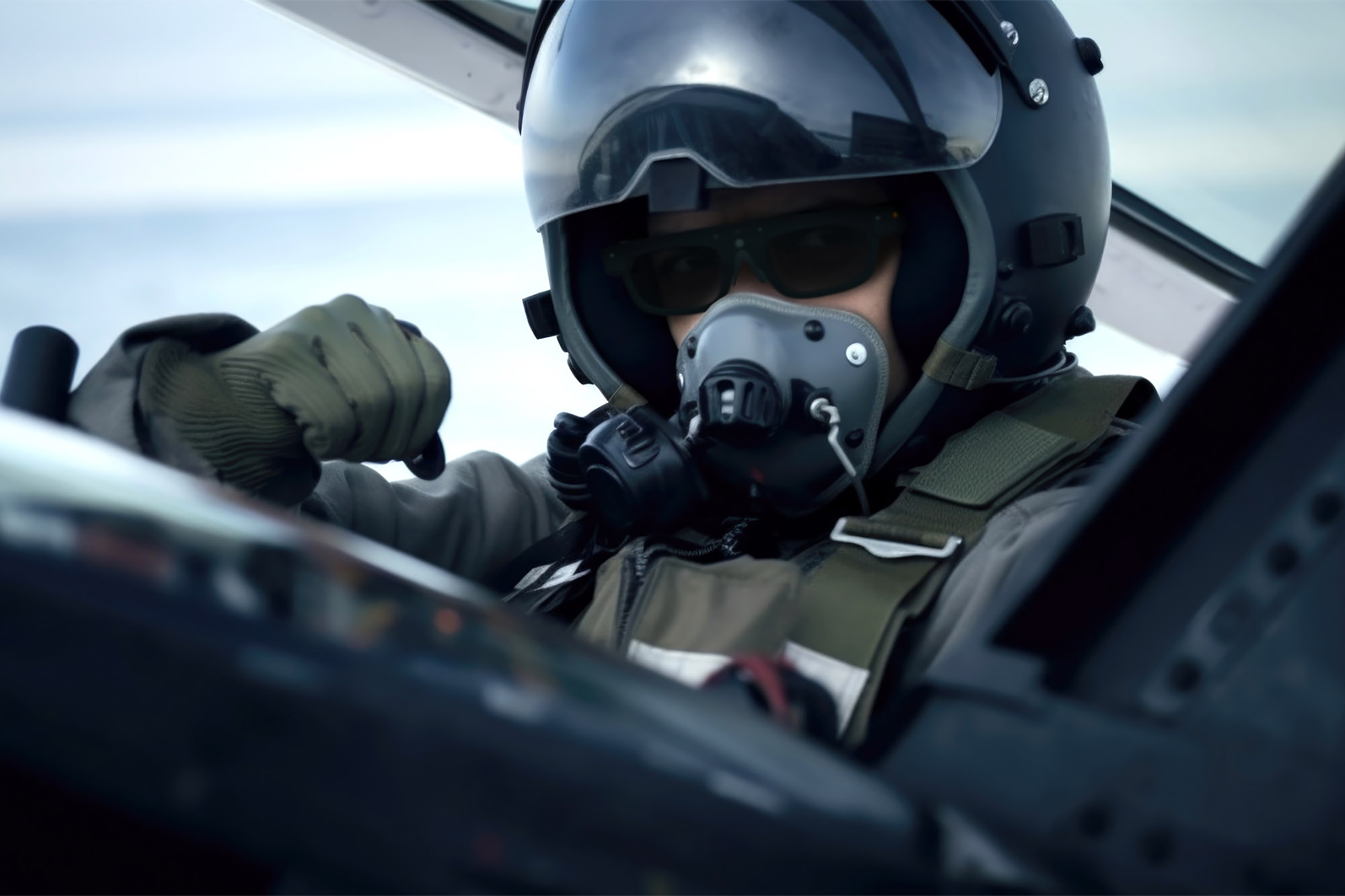
Hardware Innovation
Standalone Hands-Free Solutions
Discover how standalone Android smart glasses improve productivity across industrial environments.
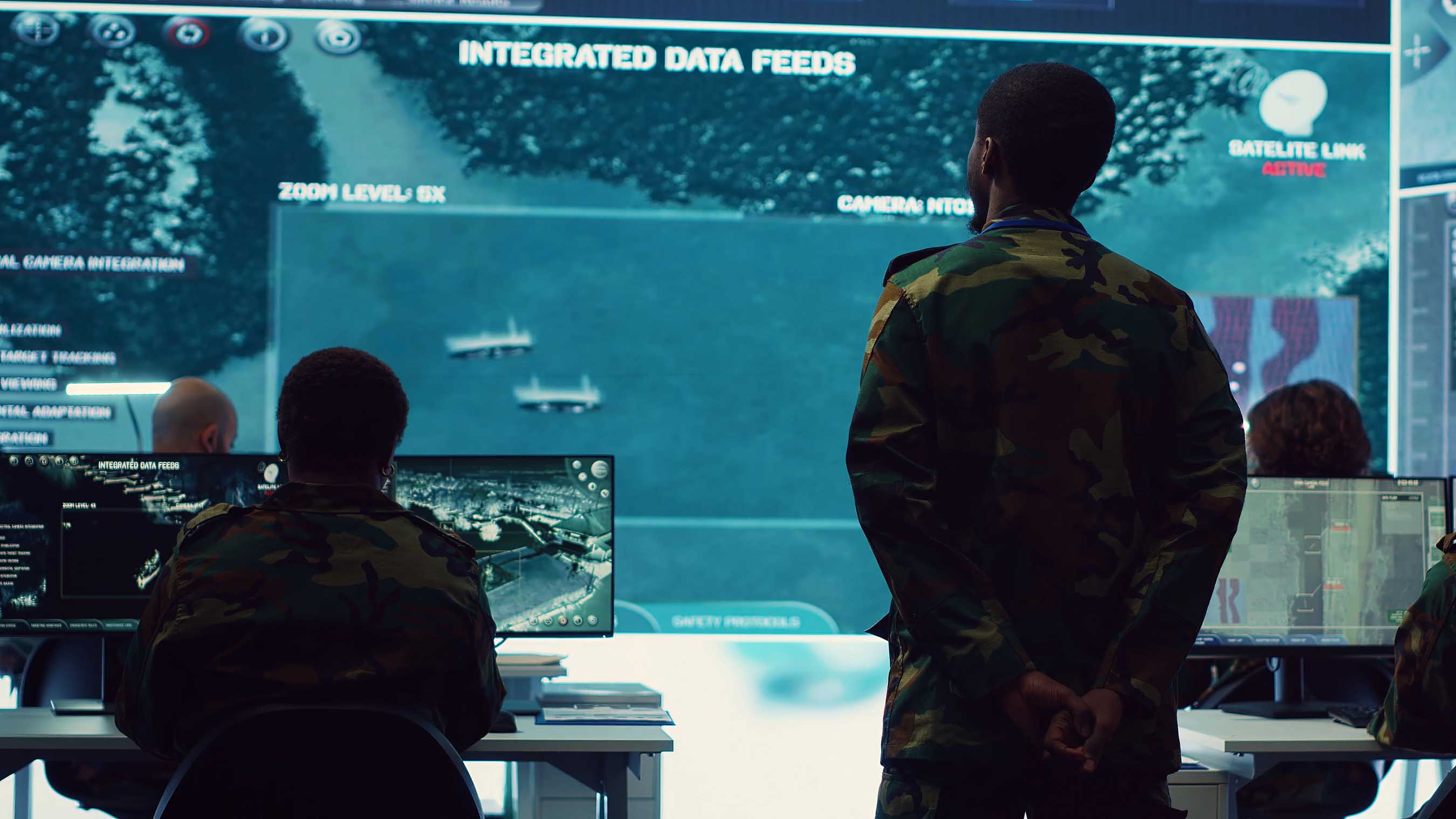
Command Center
Real-Time Field Intelligence
Live video feeds, telemetry, and central monitoring for multi-operator teams.
Choosing a telepresence robot in 2026 means looking beyond a polished product photo. Buyers need to know how a device performs in the places where people will actually use it: a busy reception area, a long corridor, or a meeting room with uneven lighting. RealEye AI Telepresence is a useful starting point for comparing options, but the right choice depends on the job, the environment, and the people operating the robot.
Small details matter. A clear display, responsive controls, dependable connectivity, and a stable base can shape the daily experience. So can setup time. A robot that looks capable on a specification sheet may still be awkward to steer around chairs or position beside a visitor. Those practical differences deserve attention, even when they are not the most exciting features.
This guide helps buyers assess leading options without treating every advertised feature as a proven advantage. It considers navigation, camera and audio quality, battery life, remote operation, accessibility, support, and total ownership costs. Where possible, compare manufacturer specifications with demonstrations and independent customer feedback. Ask vendors how the robot handles network interruptions, routine maintenance, and software updates. Check whether its controls suit your staff and whether its size fits your actual routes.
There is no universal best model. A school, clinic, office, and visitor center may need different capabilities. Some compromises are hard to spot until a trial. That is worth remembering. Use the comparisons ahead to build a shortlist, then test the strongest candidates in your own space before making a purchase.
What RealEye AI Telepresence Robots Are and How They Work
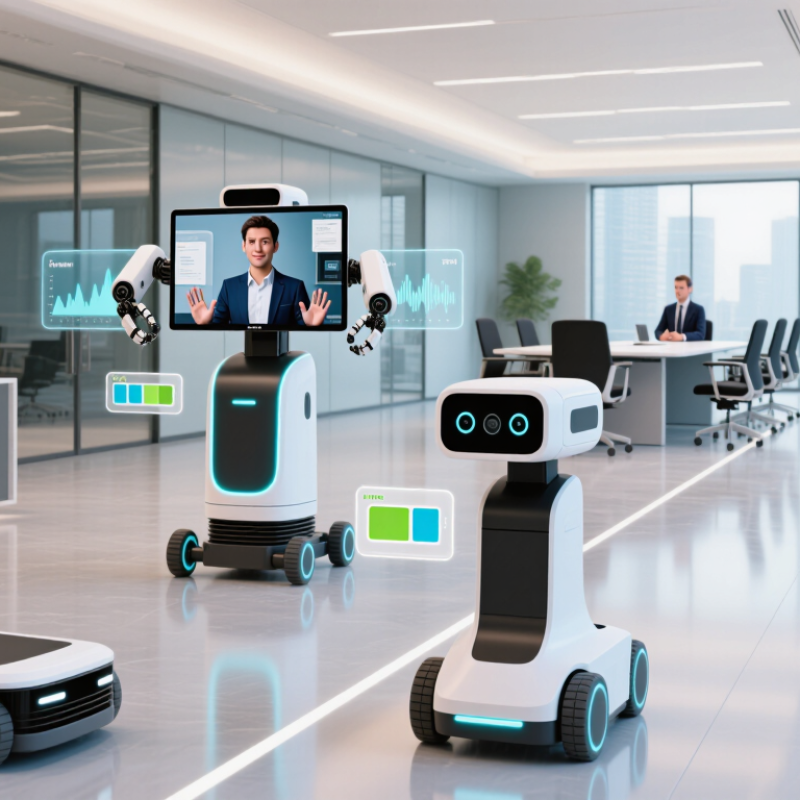
AI telepresence robots are mobile video-conferencing systems with a camera, screen, microphones, speakers, and a wheeled base. They let a remote person move through an office, clinic, or factory while speaking with people there. Artificial intelligence may support obstacle detection, route planning, voice processing, and automatic camera framing. The human operator still makes the important social decisions. That distinction matters.
A typical session begins with a remote user connecting through a computer or tablet. The robot streams live video and audio, then moves using remote controls or assisted navigation. Sensors such as cameras and depth scanners help it notice chairs, walls, and people. In a corridor, for example, it may slow near a doorway rather than turn sharply. Wi-Fi quality, battery life, and floor layout can still limit a visit.
The International Federation of Robotics reported nearly 205,000 professional service robots sold in 2023, up 30% from 2022, in its World Robotics 2024 report. This figure covers many service-robot categories, not telepresence robots alone. It signals broader adoption, not guaranteed demand for every workplace. Buyers should test call clarity, steering response, privacy controls, and charging routines in their own spaces. One imperfect detail: assisted driving can reduce collisions, but it may also feel less direct to a remote visitor. A live trial reveals more than a feature list.
2026 Best RealEye AI Telepresence Robots for Buyers — What RealEye AI Telepresence Robots Are and How They Work
| Robot category | Typical use | Mobility and navigation | Video and audio | AI capabilities to look for | Power and connectivity | Buyer considerations |
|---|---|---|---|---|---|---|
| Remote-operated mobile telepresence | Virtual office visits, meetings, classrooms, and remote site walk-throughs. | Human-controlled driving; typically uses wheels and may include obstacle sensors. Navigation is usually dependent on the remote operator. | Live two-way video and audio; camera quality, microphone pickup, and speaker volume vary by model. | May offer obstacle alerts, automatic camera framing, or speech-related features. These should be confirmed for the specific device. | Usually connects over Wi-Fi; some models support cellular networking. Runtime depends on battery size, movement, and video use. | A practical choice when a person needs direct control. Check network coverage, steering responsiveness, and charging arrangements. |
| Telepresence robot with assisted navigation | Regular visits across offices, campuses, reception areas, or other familiar indoor spaces. | May use mapping, localization, and obstacle detection to assist movement. Autonomous functions and safe operating conditions differ by model. | Live video and audio are standard telepresence functions; camera movement and screen size are model-dependent. | Potential features include route assistance, person detection, and automatic docking. AI functions are not uniform across products. | Typically relies on Wi-Fi for video calls. Battery life and charging-dock compatibility need to be checked against the intended schedule. | Ask whether routes must be mapped, how the robot behaves when a path is blocked, and whether staff can take over remotely. |
| Healthcare-oriented telepresence | Remote consultations, care-team communication, and virtual check-ins in healthcare settings. | Generally designed for indoor corridors and rooms; turning clearance, doorway access, and floor transitions matter. | Supports remote conversation; clinical use may require compatible peripherals or workflows that are not included with every robot. | Possible functions include navigation assistance and call management. A robot alone does not provide diagnosis or replace clinical judgment. | Reliable wireless coverage is important, particularly in rooms with weak signals. Confirm cleaning and charging procedures. | Evaluate privacy controls, access permissions, cleaning requirements, accessibility, and compatibility with facility policies. |
| Remote inspection telepresence | Remote observation of facilities, equipment areas, warehouses, and other indoor work sites. | May use remote driving or assisted navigation. Terrain limits, ramps, thresholds, and restricted zones should be assessed on site. | Video quality and camera positioning determine how useful remote visual inspection will be; low-light performance varies. | Some systems may provide alerts or visual analytics, but automated inspection accuracy depends on sensors, software, and setup. | Wi-Fi or cellular coverage may be used depending on the location and system. Operating time is affected by travel distance and payload. | Check site safety rules, connectivity dead zones, camera requirements, and whether the robot can safely access the areas of interest. |
| Compact desk-height telepresence | Small offices, reception desks, home use, and conversations where a full-height mobile platform is unnecessary. | May be stationary or use a compact wheeled base; smaller form does not guarantee autonomous navigation. | Often uses a tablet or integrated display for video calls. Camera, speaker, and microphone quality depend on the hardware. | Typically focuses on call and device features; advanced autonomous behavior should not be assumed without product documentation. | May use a rechargeable battery or require a nearby power source. Wireless performance depends on the local network. | Compare viewing height, stability, ease of setup, and whether the device supports the meeting software you use. |
How they work: A remote user connects through a compatible application, views the robot’s camera feed, and speaks through its microphone and speaker. The user may steer the robot directly; systems with supported autonomy can assist with navigation or other tasks. Features, battery life, sensors, and network requirements vary by model, so verify specifications and test the device in the intended environment before buying.
FAQS
Prioritize clear video, dependable audio, and steady movement. Automatic framing and obstacle detection can help, but test them in real rooms.
Test calls near bright windows and across a meeting table. Listen for fan noise and check whether faces look distorted near the image edges.
Use your actual workspace and network. Test doorways, carpet edges, turning, call quality, and battery use across a full shift. Note awkward pauses.
Measure door widths, elevator access, floor transitions, and Wi-Fi coverage. A weak signal beside one meeting room can interrupt a visit.
Request realistic runtime during video calls, charging time, replacement-part lead times, software support periods, and service costs. Demo conditions can be misleading.
Assign an owner to handle user access, charging, cleaning, and routine checks. Set clear camera and microphone rules, and tell staff when sessions are active.
Inspect wheels, charging contacts, and camera lenses weekly. Log faults and software updates. Small issues can be easy to overlook.
Track call quality, completed visits, and interruptions on a small route. Review the logs with users and adjust training or support. The first week may feel clumsy. That matters.
Conclusion
This guide explains what RealEye AI Telepresence robots are and how they can support remote communication through a mobile, on-site presence. It outlines how cameras, microphones, displays, connectivity, and AI-assisted functions work together to help remote users navigate spaces, interact with people, and take part in meetings or routine workflows.
Readers will also learn how different robot models may suit different environments and use cases, and how to compare them based on mobility, communication needs, operating conditions, and budget. The guide covers practical considerations for choosing a system, preparing it for deployment, training users, and maintaining its hardware and software over time. By considering both day-to-day requirements and ongoing support, buyers can make a more informed decision about whether a RealEye AI Telepresence solution fits their organization.